

Introduction
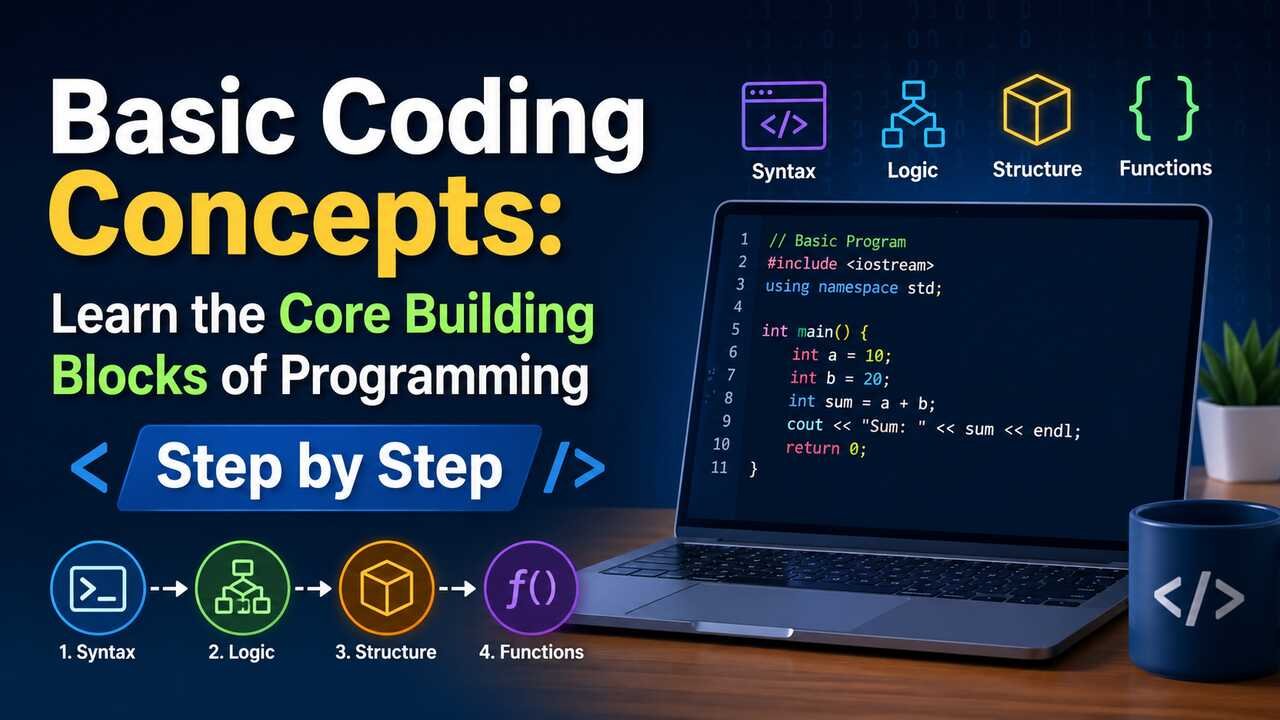
Basic coding concepts give beginners the foundation they need to understand how software, websites, apps, games, and digital tools work. Coding is not only about memorizing commands. It is about learning how instructions, data, logic, structure, and problem-solving work together. When you understand the core ideas behind programming, every language becomes easier to learn because the same patterns appear again and again.
Set Up a Clear Programming Mindset
Learning basic coding concepts starts with understanding that a computer follows instructions exactly as written. A program tells the computer what to do, when to do it, and how to respond when conditions change. This means coding requires clear thinking, careful ordering, and attention to detail.
A beginner should treat code as a sequence of small decisions. Each line has a purpose. Each instruction changes data, checks a rule, displays information, or triggers another action. Programming languages such as Python, JavaScript, Java, C++, and Ruby use different syntax, but they rely on similar ideas, including variables, data types, operators, conditions, loops, functions, and errors.
This mindset helps beginners avoid frustration. A program does not “guess” the intended result. It follows the written logic. When something breaks, the programmer investigates the instructions, finds the mismatch, and improves the code. This process builds practical problem-solving skills.
Learn How Variables Store Information
Variables are named containers that store information inside a program. A variable can hold a number, a word, a true-or-false value, a list, or another kind of data. For example, a program can store a user’s name in a variable called username and then use that value later.
A variable usually has a name, a value, and a purpose. The name should describe the stored information clearly. The value is the actual data assigned to the variable. The purpose explains how the program uses that information. For example, price = 50 stores a product price, while isLoggedIn = true stores a login status.
Variables make programs flexible. Instead of writing the same value many times, a programmer can store it once and reuse it. If the value changes, the program can update the variable without rewriting every instruction. This is one of the first ideas that makes coding powerful.
Use Data Types Correctly
Data types describe the kind of information a program is working with. Common data types include numbers, strings, booleans, arrays, objects, and null values. Each type supports different actions. A number can be added, a string can be joined with another string, and a boolean can control a decision.
A string stores text, such as "hello" or "coding basics". A number stores values like 10, 3.14, or -5. A boolean stores either true or false. An array stores multiple values in order. An object stores related information as named properties, such as a person’s name, age, and email address.
Using the correct data type prevents errors. For example, adding two numbers produces a mathematical result, but adding two strings may join them together. A beginner who understands data types can predict how code behaves and fix mistakes more quickly.
| Concept | Common Example | Main Purpose |
|---|---|---|
| Variable | age = 25 | Stores reusable information |
| String | "Hello" | Represents text |
| Number | 100 | Represents numeric values |
| Boolean | true | Represents yes-or-no logic |
| Array | [1, 2, 3] | Stores ordered values |
| Object | {name: "Ali"} | Groups related details |
Apply Operators to Work With Values
Operators allow code to perform actions with values. Arithmetic operators handle math, comparison operators check relationships, logical operators combine conditions, and assignment operators store values in variables.
Arithmetic operators include addition, subtraction, multiplication, division, and remainder. Comparison operators check whether one value equals, exceeds, or differs from another value. Logical operators such as AND, OR, and NOT help programs make more advanced decisions.
Operators are small symbols with big importance. For example, total = price * quantity calculates a purchase total. age >= 18 checks whether a user is an adult. isMember && hasPaid checks whether both conditions are true. These expressions help programs process information and respond intelligently.
Build Decisions With Conditional Logic
Conditional logic allows a program to choose between different actions. The most common structure is an if statement. If a condition is true, the program runs one block of code. If the condition is false, the program may run another block.
A condition usually compares values or checks a status. For example, a login system may check whether the entered password matches the saved password. A shopping cart may check whether the order total qualifies for free shipping. A game may check whether a player has enough points to unlock a level.
Conditional logic turns static instructions into responsive behavior. Without conditions, a program would do the same thing every time. With conditions, software can react to users, data, time, input, permissions, and changing situations.
Repeat Tasks With Loops
Loops allow a program to repeat instructions without writing the same code many times. A loop can process every item in a list, count from one number to another, or continue running until a condition changes.
Common loop types include for loops and while loops. A for loop often runs a known number of times or moves through a list. A while loop continues as long as a condition remains true. For example, a program can use a loop to print every username in a database or calculate the total cost of items in a cart.
Loops make code efficient. Instead of writing ten separate instructions for ten items, a programmer writes one loop that handles all items. This concept becomes especially important when working with lists, tables, files, user records, and large datasets.
Organize Code With Functions
Functions are reusable blocks of code that perform specific tasks. A function can receive input, process that input, and return an output. For example, a function called calculateTotal can take price and quantity, multiply them, and return the result.
A good function has a clear name, a focused purpose, and predictable behavior. It should do one main job. Inputs are often called parameters or arguments. The result is often called a return value. For example, a greeting function may receive a name and return a personalized message.
Functions make programs easier to read, test, and maintain. Instead of repeating the same logic in many places, a programmer can define it once and call it whenever needed. This reduces mistakes and helps larger programs stay organized.
Store Multiple Values With Arrays and Lists
Arrays, also called lists in some languages, store multiple values in a single structure. A list can contain names, prices, scores, messages, products, or any other repeated data. Each item usually has a position, often called an index.
A program can add items to a list, remove items, update items, sort items, or loop through each item. For example, a task app can store all tasks in a list. An online store can store cart items in an array. A quiz app can store questions and answers in a list.
Arrays are essential because real programs rarely work with just one value. Most software handles collections of information. Learning how to access, update, and process lists prepares beginners for practical programming tasks.
Group Related Information With Objects
Objects group related data and behavior into one structure. An object can represent a user, product, order, car, book, student, or account. Each object contains properties that describe it. For example, a user object may include a name, email, password status, and role.
Objects help programmers model real-world things in code. A product object can store title, price, category, stock quantity, and discount status. A student object can store name, grade, attendance, and enrolled courses. This structure keeps related details together.
Object-based thinking becomes very important in modern programming. Many apps, APIs, databases, and user interfaces organize information as objects. Beginners who understand objects can more easily move into web development, app development, and software engineering.
Handle Input and Output Carefully
Input is information that enters a program. Output is information that the program produces. Input can come from a keyboard, form, file, button click, database, sensor, or web request. Output can appear as text, images, calculations, alerts, saved files, or screen updates.
A program must often validate input before using it. For example, an email field should contain a valid email format. A password field may require a minimum length. A payment form should reject empty or invalid values. Validation protects the program from incorrect, incomplete, or unsafe information.
Output should be clear and useful. A good program tells users what happened, what went wrong, or what action they need to take next. Input and output connect code to real users, which makes them central to practical software design.
Understand Errors and Debug Code
Errors are normal in programming. A syntax error happens when code breaks the rules of the language. A runtime error happens while the program is running. A logic error happens when the program runs but produces the wrong result.
Debugging means finding and fixing errors. A programmer may read error messages, test small sections of code, print variable values, or use debugging tools. The goal is to locate the exact place where the program’s actual behavior differs from the intended behavior.
Good debugging improves coding skill. Each error teaches something about syntax, logic, data, or program flow. Beginners should not see errors as failure. They are part of the learning process and a normal part of professional programming.
Write Readable Code With Good Structure
Readable code is easier to understand, update, and share. A beginner should use clear names, consistent spacing, simple functions, and helpful comments. Code should communicate purpose, not only produce results.
Variable names should describe the value they store. Function names should describe the action they perform. Comments should explain decisions that are not obvious. Indentation should show which code belongs inside a condition, loop, or function.
Readable structure becomes more important as programs grow. A small script may be easy to understand without much organization, but a larger project needs clean files, consistent naming, and logical separation. Good structure saves time and reduces errors.
Practice Problem-Solving With Algorithms
An algorithm is a step-by-step method for solving a problem. It can be simple, such as calculating an average, or complex, such as finding the shortest route on a map. Coding turns algorithms into instructions that a computer can execute.
A beginner can practice algorithms by solving small problems. Examples include finding the largest number in a list, counting words in a sentence, reversing text, sorting values, or checking whether a number is even. These exercises teach logic, sequencing, and pattern recognition.
Algorithmic thinking helps programmers break large problems into smaller tasks. Instead of trying to build a complete app at once, a programmer defines the inputs, steps, decisions, repetitions, and outputs. This approach makes coding more manageable.
Connect Concepts Through Small Projects
Small projects help beginners combine basic coding concepts in realistic ways. A calculator project uses variables, numbers, operators, input, output, and functions. A to-do list uses arrays, objects, conditions, loops, and user interaction. A quiz app uses questions, answers, scoring, decisions, and repeated actions.
Projects reveal how concepts work together. Variables store data. Conditions decide what happens. Loops repeat actions. Functions organize tasks. Arrays hold collections. Objects group related details. Debugging improves the final result.
A beginner should choose projects that are simple enough to finish but useful enough to teach multiple skills. Completing small projects builds confidence and creates a foundation for larger work.
| Beginner Project | Concepts Practiced | Practical Value |
|---|---|---|
| Calculator | Variables, operators, functions | Builds logic and arithmetic skills |
| To-do list | Arrays, objects, input, output | Teaches data handling |
| Quiz app | Conditions, scoring, loops | Builds decision-making skills |
| Weather display | API data, objects, output | Introduces real-world data |
| Budget tracker | Numbers, arrays, validation | Teaches useful calculations |
Build Consistency Through Daily Practice
Consistent practice is more valuable than occasional long sessions. Coding skill develops through repetition, experimentation, and review. A beginner who writes small pieces of code every day will understand concepts more deeply than someone who only reads tutorials.
Practice should include writing code from scratch, modifying examples, fixing broken code, and explaining logic in plain language. This combination strengthens memory and understanding. Rewriting a solution in a different way can also reveal better patterns.
Over time, basic coding concepts become automatic. A beginner no longer struggles to remember what a variable or loop does. Instead, they focus on solving bigger problems. This is the point where programming starts to feel creative and practical.
Conclusion
Basic coding concepts form the foundation of every programming path. Variables store information, data types define values, operators process data, conditions make decisions, loops repeat actions, functions organize logic, arrays store collections, and objects group related details. When beginners understand these ideas, they can learn new programming languages faster and build real projects with more confidence.
The best way to master coding basics is to practice them in small, useful programs. Each concept becomes clearer when it solves a real problem. With steady practice, debugging, and project-building, beginners can move from simple scripts to complete applications.
Read Also: Cyroket2585 Patch: Complete Guide to Installation, Features, Fixes, and Optimization
